Adam Audio T7V - active two-way studio monitor designed for vertical use in near field applications for recording studios and small mixing rooms. It is equipped with a 7" woofer, which provides low frequency extension down to 39 Hz, while the U-ART tweeter diaphragm offers a very high and extended frequency response up to 25 kHz - practically unheard of in monitors in this price range.
The U-ART tweeter features a precision waveguide with the same dispersion control attributes as the HSP (High Frequency Propagation) waveguide used in ADAM Audio's S series studio monitors. The very uniform dispersion of high frequencies from the waveguide provides an incredibly wide sweet spot.
On the back of the cabinet, there is a bass reflex port, and the robust metal panel houses the analog input connections. The U-ART tweeter is powered by a 20 W Class D amplifier, while a 50 W Class D amplifier powers the woofer. These monitors, when paired, produce a maximum SPL of 110 dB.
The wide frequency response, high dynamic range, excellent transient response, wide sweet spot, and compact dimensions make the T7V perfectly suited for use in small control rooms for music production, video post-production, and broadcast.
- Woofer: 7" (178 mm)
- Cone material: polypropylene
- Tweeter: U-ART
- Diaphragm area: 4 inch² (2420 mm²)
- Equivalent diaphragm diameter: 1.9" (48 mm)
- Diaphragm weight: 0.17 g
- Waveguide: HPS
- Low frequency amplification:
- Type: PWM
- RMS power: 50 W
- High frequency amplification:
- Type: PWM
- RMS power: 20 W
- Input sensitivity control: selectable +4 dBu / -10 dBV
- Gain control: yes
- High-Shelf control: - 2 dB, 0 dB, +2 dB
- Low-Shelf control: - 2 dB, 0 dB, +2 dB
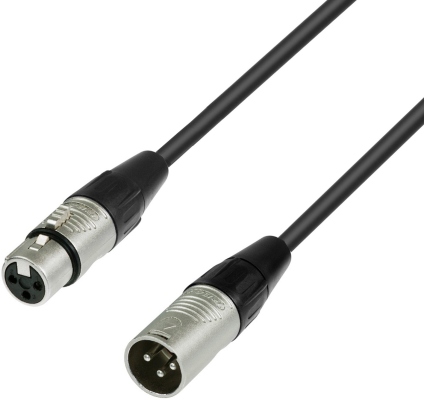
- Input connectors: XLR, RCA
- Input impedance: 10 kOhm / 20 kOhm
- Frequency response: 39 Hz - 25 kHz
- THD > 80 Hz: 0.5 %
- Maximum SPL per pair at 1 m: ≥110 dB
- Crossover frequency: 2.6 kHz
- Maximum power consumption: 132 W
- Weight: 7.1 kg
- Dimensions (H x W x D): 347 x 210 x 293 mm
- Included accessories: power cable, quick installation and user guide